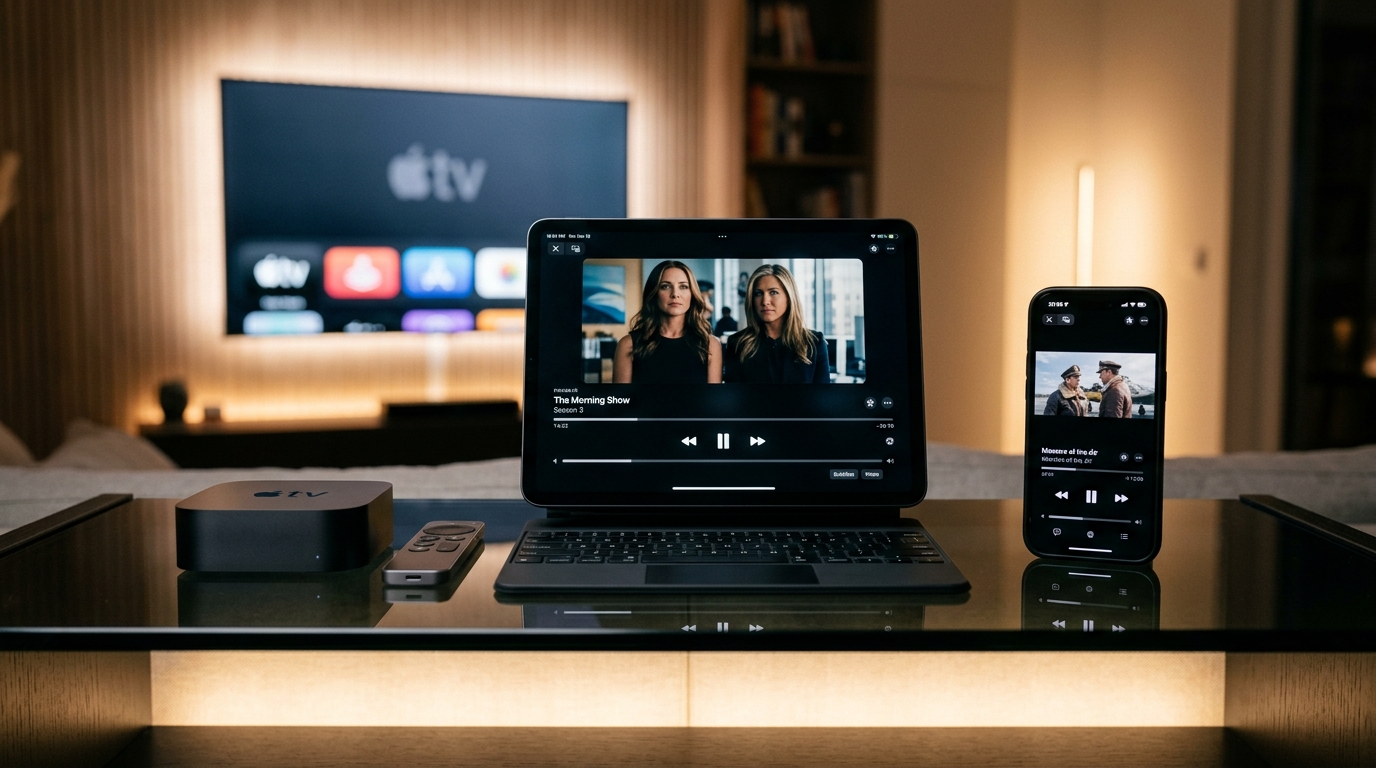
Set Up IPTV on iOS & Apple TV
Configure your IPTV playlist on Apple devices. Learn about compatible players, app store installations, and server credentials.
IPTV Streaming on Apple Ecosystem
The Apple ecosystem (iPhone, iPad, Apple TV, and macOS) offers beautiful hardware for streaming digital content. Because the **Tivimate** app is built exclusively for Android and Fire OS, it is not available in the Apple App Store. However, there are several premium player apps available in the App Store that work perfectly with our IPTV playlists.
Recommended iOS & tvOS Players
To configure your **tivimate subscription** on your Apple TV or iPhone, download one of these compatible players:
1. IPTV Smarters Pro
The most popular player app on iOS. Available for free in the App Store. It is user-friendly, categorizes live channels and VOD, and supports Xtream Codes API setups.
2. GSE Smart IPTV
A powerful player that supports M3U links, XML EPG formats, and offers built-in player engines for custom stream decoding.
Step-by-Step Setup Guide using IPTV Smarters
To configure your playlist details on Apple devices using IPTV Smarters:
- Open the App Store on your iPhone, iPad, or Apple TV.
- Search for "IPTV Smarters Pro" and install it.
- Open the app and select "Login with Xtream Codes API".
- Input a profile name (e.g. "Tivimate Prime").
- Enter the Server URL, Username, and Password sent to you by our support representative on WhatsApp.
- Click "Add User" and wait for the app to import the channels. Enjoy streaming!
Can You Get TiviMate for iOS (iPhone or iPad)?
A very common query from our subscribers is how to get **tivimate for ios** or how to install the native app on Apple hardware. Unfortunately, there is no official **tivimate ios** application, and you cannot directly **install tivimate on iphone** or run it as a native **tivimate iphone** app. The developer has built the software strictly for Android-based OS systems.
If you are searching for **tivimate for iphone** or looking to run **tivimate on iphone** or **tivimate on ipad**, you will need to utilize compatible iOS alternatives like IPTV Smarters Pro or GSE Smart IPTV as detailed above. These alternatives parse our M3U channels exactly like the player does, giving you a premium interface on your Apple devices.
Ensuring Buffering Stability on Apple Devices
Apple TV devices are equipped with powerful processors and excellent network chips. If you experience buffering on Apple TV or when streaming on compatible players, ensure you are using a 5GHz Wi-Fi network or connect via an Ethernet cable. In addition, go to your player settings and verify that the stream format is set to "HLS" or "MPEG-TS".
If you run into any issues during setup or need help getting activated, reach out to our active customer support team on WhatsApp.
Ready to Stream on Your iPhone or iPad?
Get your IPTV subscription activated in under 5 minutes. 20,000+ live channels, 80,000+ VOD titles, and zero buffering.
Setup on Other Devices
Read more: Best IPTV Player 2026