Ultimate 4K HDR Sports & Cinema Guide: Stream Big Matchdays Flawlessly
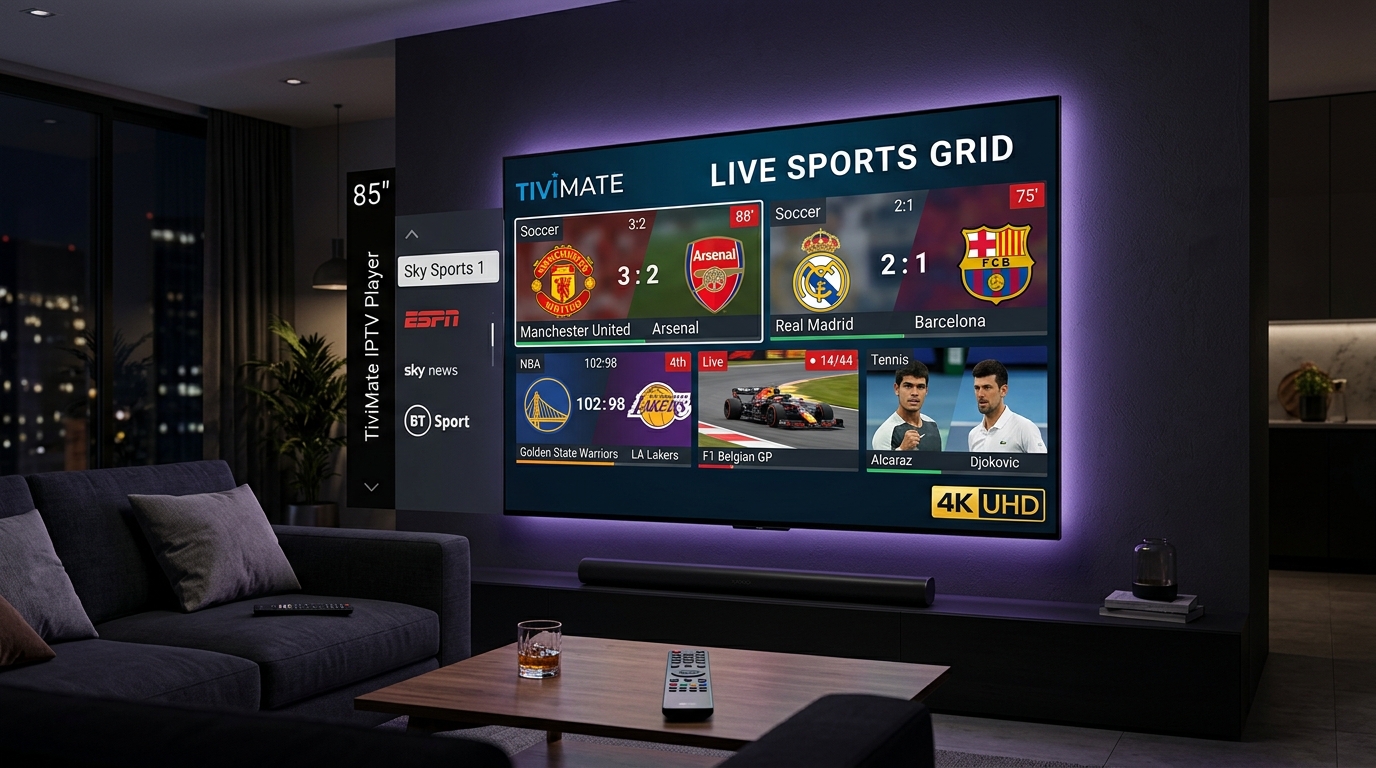
How to Stream 4K HDR Live Sports & Cinema Without Buffering
Streaming high-octane live sports in crisp 4K HDR requires optimizing three critical layers: hardware capabilities, network stability, and player application configuration. The key to buttery-smooth playback lies in matching frame rates, utilizing hardware decoding, and ensuring your bandwidth can sustain a constant 25-50 Mbps throughput without micro-drops.
Ready to upgrade your home theater? Explore our 4K Channels List or start your Free 24H Trial today.
1. Understanding 4K HDR Video Standards for Live Sports
The visual difference between standard 1080p and 4K HDR is monumental, particularly in fast-paced sports broadcasts and cinematic releases. HDR (High Dynamic Range) dramatically improves contrast ratios and color volume, making turf look greener and stadium lights pop. But not all HDR is created equal.
- HDR10: The static baseline standard. Supported by almost all 4K TVs. Good for static cinema but lacks dynamic scene-by-scene adjustments.
- HLG (Hybrid Log-Gamma): Developed specifically by broadcasters (BBC and NHK) for live television. HLG is crucial for live sports because it doesn't require metadata, allowing backward compatibility with SDR displays while delivering HDR on supported TVs.
- Dolby Vision: Dynamic metadata standard that adjusts brightness and color per frame. While primarily used for cinema, specialized sports broadcasts are beginning to adopt it. Learn more about optimal TV settings at RTINGS TV & HDR Guide and official specs at Dolby Vision & Atmos Official.
2. TiviMate Video & Audio Engine Tweaks
To extract the maximum quality from Tivimate Prime streams, you must configure the internal TiviMate engine correctly. Improper settings lead to micro-stutters, known as "judder," during fast camera pans in football or racing.
AFR (Auto Frame Rate) Switching
European sports are broadcast at 25/50 FPS, while US sports use 30/60 FPS. Cinematic movies run at 24 FPS. If your TV refresh rate doesn't match the stream, you get stutters. Enable AFR in TiviMate (Settings > Playback > Auto frame rate) to force your TV to switch its refresh rate to perfectly match the incoming stream, eliminating motion judder.
HLS vs MPEG-TS & Hardware Acceleration
For high-bitrate 4K feeds, stream format matters. HLS (HTTP Live Streaming) handles variable network conditions gracefully, utilizing adaptive bitrates. MPEG-TS (Transport Stream) is often faster to lock onto but can struggle if bandwidth drops. We recommend HLS for stability. Ensure Hardware Decoding (Amlogic/MediaTek) is enabled (Settings > Playback > Hardware decoding) so the device chip, rather than software, processes the intensive 4K data. For deep config, read our TiviMate Config Guide.
3. Recommended Hardware Matrix
Your streaming device is the bottleneck for 4K HDR. A weak processor will drop frames. Here is the hardware matrix for optimal performance:
| Device | 4K HDR Support | Audio Output | Best For |
|---|---|---|---|
| Nvidia Shield TV Pro | AI Upscaling, Dolby Vision | Atmos TrueHD Passthrough | Ultimate Home Theater |
| Fire TV Stick 4K Max | HDR10+, Dolby Vision | Atmos Digital Plus | Best Budget Performance. See Setup Guide. |
| Apple TV 4K | SDR/HDR matching | Spatial Audio/LPCM | Smooth UI ecosystem |
| Native Smart TV OS | Varies widely | ARC/eARC limits | Convenience only (Android TV preferred, see Android TV Setup) |
4. Home Network & Bandwidth Optimization
Even the best hardware fails on a poor network. 4K HDR streams require a sustained, unfluctuating connection. Standard 1080p needs about 10-15 Mbps, but uncompressed 4K sports feeds demand 30-50 Mbps of clean bandwidth.
- Wi-Fi 6 vs Gigabit Ethernet: Always hardwire via Ethernet if possible. If you must use Wi-Fi, ensure your router supports Wi-Fi 6 (802.11ax) and connect to the 5GHz band to avoid interference from microwaves and Bluetooth.
- Router QoS (Quality of Service): Access your router admin panel and set your streaming device (e.g., Nvidia Shield) to 'High Priority' to prevent background device downloads from stealing bandwidth during the match.
- Buffer Size Settings: In TiviMate, navigate to Settings > Playback > Buffer size. Increase this from 'Small' to 'Large' or 'Very Large'. A larger buffer pre-loads more video data, smoothing out temporary network hiccups. For more help, check out our guide to Troubleshoot TiviMate Buffering.
Experience Premium 4K HDR Streaming
Get access to raw, uncompressed 4K sports feeds and cinema channels with Dolby surround sound.
Frequently Asked Questions
What is the minimum internet speed required to stream 4K HDR 60FPS sports without buffering?
To maintain a stable, uncompressed 4K HDR stream at 60 frames per second, you need a minimum sustained connection of 30 Mbps. However, factoring in network overhead and household usage, we highly recommend a 50 Mbps minimum connection for flawless, buffer-free playback.
What is Auto Frame Rate (AFR) switching in TiviMate and why does it prevent judder during fast-action sports?
AFR automatically signals your television to adjust its refresh rate to match the exact frame rate of the incoming stream (e.g., switching to 50Hz for European broadcasts or 60Hz for US broadcasts). This 1:1 matching eliminates motion interpolation errors ("judder"), ensuring panning camera shots during football or hockey are buttery smooth.
Which streaming player device is best for 4K HDR sports and Dolby Atmos cinema audio?
The Nvidia Shield TV Pro is the ultimate device, offering lossless Dolby Atmos TrueHD passthrough, AI upscaling, and robust processing power. For a budget-friendly option, the Amazon Fire TV Stick 4K Max provides excellent HDR10+ and Dolby Vision support with ample speed for high-bitrate streaming.
Should I use MPEG-TS or HLS stream format for 4K live sports feeds?
We recommend using the HLS (HTTP Live Streaming) format for high-bitrate 4K feeds. HLS segments the video into small chunks and can adapt more fluidly to slight network fluctuations, providing a more stable, buffer-free experience compared to the continuous stream of MPEG-TS.
Does Tivimate Prime support uncompressed 4K sports channels and Dolby 5.1 surround sound?
Yes, Tivimate Prime offers dedicated 4K RAW channels that provide uncompressed high-bitrate video feeds for major sporting events and cinematic releases. We also support immersive Dolby Digital 5.1 surround sound audio tracks on selected VODs and live cinema channels.