Are you experiencing buffering or corrupted program guides on your streaming device? Configuring a modern media player can feel overwhelming for beginners. However, mastering your TiviMate IPTV setup unlocks the full potential of your home entertainment system.
In this comprehensive 2026 guide, you will learn how to integrate playlists seamlessly. Furthermore, we will optimize advanced settings like Auto Frame Rate (AFR) and Electronic Program Guide (EPG) mapping.
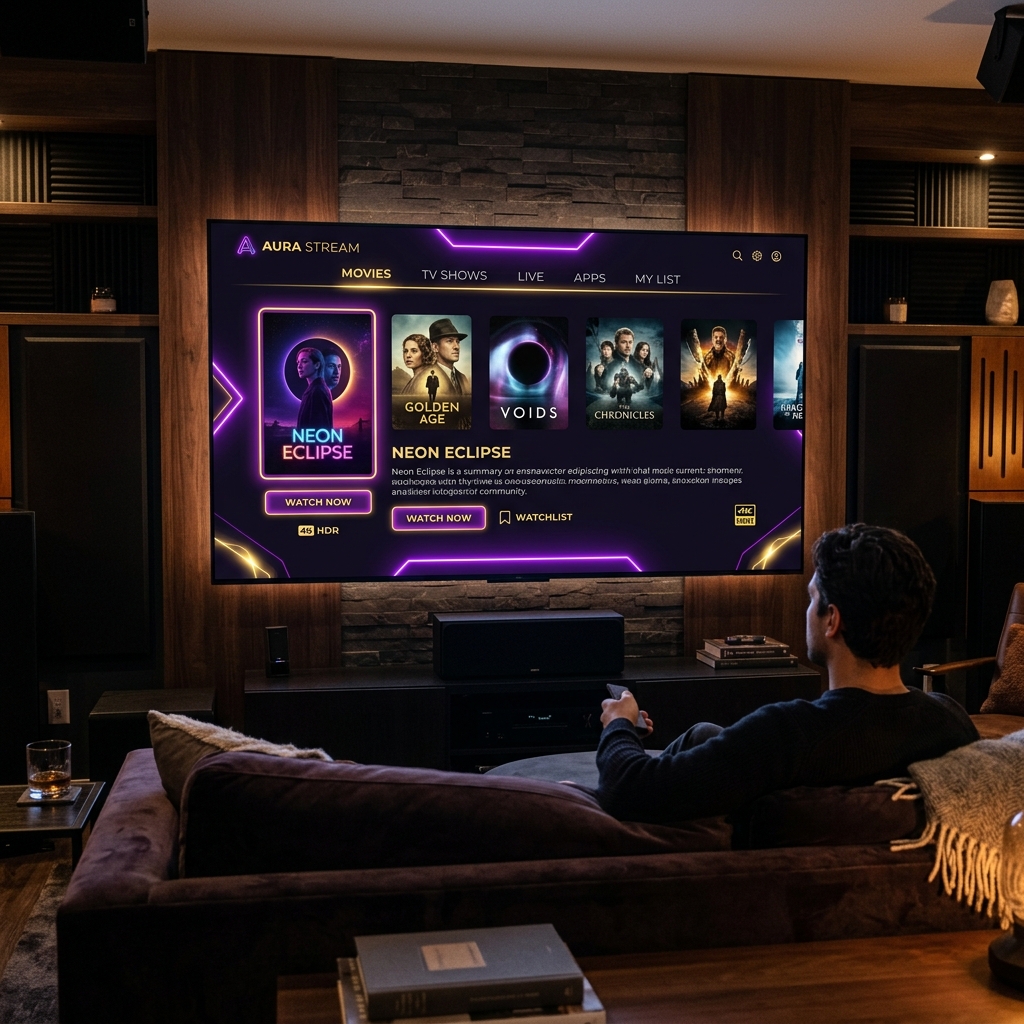
Preparing Your Hardware for TiviMate IPTV Setup
Before starting your installation, ensure your streaming device is properly updated. TiviMate performs exceptionally well on Android-based hardware.
For optimal performance, consider using the following devices:
- Amazon Firestick 4K Max (2nd Gen): Excellent hardware decoding and Wi-Fi 6E support.
- Nvidia Shield TV Pro: The gold standard for gigabit streaming and AI upscaling.
- Android TV Boxes: Ensure your device runs Android TV OS 11.0 or higher.
Consequently, clearing your device cache before setup prevents initial playlist parsing errors.
Step-by-Step TiviMate IPTV Setup Using Xtream Codes API
Using the Xtream Codes API is the most reliable method for playlist integration. In addition, it automatically synchronizes your VOD and EPG data without manual file updates.
- Download and install TiviMate from the Google Play Store or via Downloader.
- Launch the application and select "Add Playlist".
- Choose "Xtream Codes API" as your server protocol type.
- Enter your Server URL, Username, and Password provided by your service.
- Click "Next" to allow TiviMate to process your channels and categories.
Furthermore, ensure you check the box for "Include VOD" if your provider supports on-demand libraries.
Configuring M3U URLs and Stalker Portal Playlists
If your provider uses standard playlist links, select the M3U option during setup. Simply paste the complete .m3u or .m3u8 URL into the input field.
Alternatively, for MAC address-based authorization, choose the Stalker Portal option. Enter your portal URL and provide your registered device MAC address. As a result, TiviMate will securely authenticate your media stream within seconds.
Advanced TiviMate Premium Settings: AFR and Multi-View
Once your basic TiviMate IPTV setup is complete, activating Premium features elevates your viewing experience.
1. Auto Frame Rate (AFR) Activation
Motion jitter often occurs when video frame rates mismatch your display's refresh rate.
- Navigate to Settings > Playback.
- Toggle Auto Frame Rate (AFR) to ON.
- Consequently, your display automatically switches between 24Hz, 50Hz, and 60Hz.
2. Multi-View Setup
TiviMate allows users to watch up to 9 channels simultaneously on supported devices.
- Press the Select button while watching live TV.
- Choose the Multi-View icon from the bottom control bar.
- In addition, customize screen layouts to monitor live sports and news side-by-side.
Troubleshooting Common Errors During Setup
Even with correct settings, technical glitches can occur due to network throttling.
- "Playlist could not be processed": Double-check your login credentials for typos. Additionally, verify that your server URL includes http:// or https:// accurately.
- Stream Buffering or Black Screen: Internet Service Providers (ISPs) frequently throttle high-bandwidth media streams. Consequently, enabling a secure VPN connection bypasses ISP deep packet inspection.
- Missing EPG Data: Go to Settings > EPG and trigger a manual update. Furthermore, assign custom EPG sources if channel logs appear blank.
The Tivimateprime Advantage: Unmatched Stability and Uptime
A media player is only as reliable as the service powering it. While TiviMate provides the management interface, backend connection quality dictates your final streaming experience.
Tivimateprime delivers ultra-low latency infrastructure optimized for TiviMate configurations.
Why subscribers choose Tivimateprime:
- 99.9% Uptime Guarantee: Distributed load-balanced servers eliminate game-day buffering.
- Instant Xtream & M3U Delivery: Access credentials arrive immediately upon activation.
- Full EPG & Catch-up Support: Seamlessly synced program guides with up to 7 days of catch-up.
Conclusion and Next Steps
Completing your TiviMate IPTV setup takes only a few minutes when following the correct protocol steps. By enabling AFR and organizing your playlists, you gain a premium cable-like experience on your favorite device.
Ready to experience uninterrupted 4K streaming management? Visit Tivimateprime today to start your high-speed trial!
Ready to Upgrade Your Streaming Experience?
Get instant access to 20,000+ live channels, 80,000+ movies & TV shows, and 100% stable, buffer-free servers. Works perfectly with TiviMate and all major player apps.