For many years, Infomir's MAG boxes have been the gold standard for dedicated television streaming. Unlike Android-based media players that rely on downloading third-party apps like TiviMate, a traditional **mag box iptv** setup runs directly on integrated system firmware. This direct connection offers lightning-fast channel zapping speeds, excellent EPG layouts, and a reliable user experience mimicking classic cable.
If you have purchased a new receiver or are struggling with activation, this guide will show you how to configure **box iptv mag** systems safely. We will cover MAC address registration, portal URL configuration, and general troubleshooting steps for models like the MAG 250, 254, 322, 420, 524, and beyond.
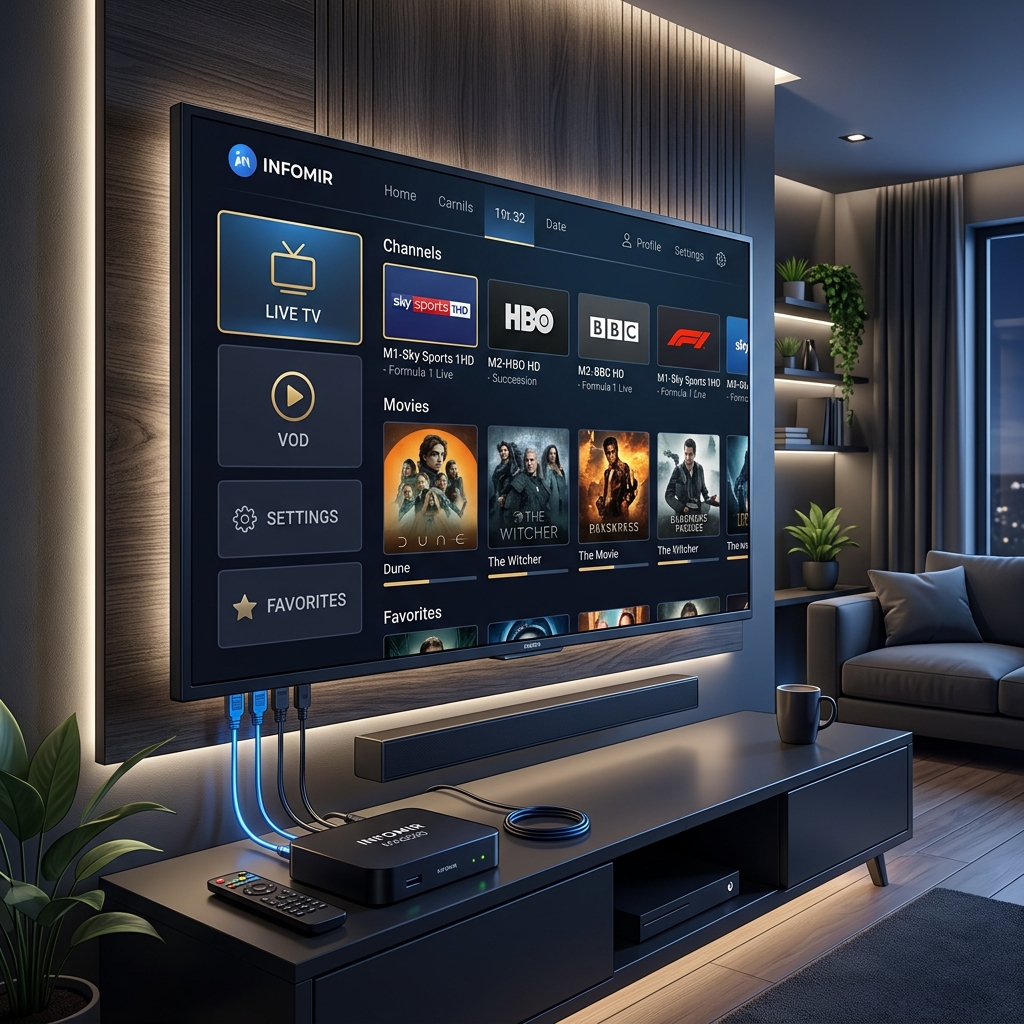
Understanding How a MAG Box Integrates with IPTV
To connect your device to our high-performance server channels, the connection protocol differs from M3U playlists:
- MAC Authentication: Instead of entering a username and password inside the app, the server registers your physical device ID (MAC address).
- Portal Integration: The device boots directly into our middleware portal link, downloading channel structures, categories, and program schedules automatically.
- Optimized Hardware: The receiver's board has hardware-level decoders optimized specifically for rendering MPEG-TS video formats.
Step-by-Step Portal Setup Guide
Follow these exact steps to activate and configure your **mag box iptv** receiver:
Step 1: Find and Copy Your MAC Address
Every Infomir receiver has a unique MAC identifier code. Look at the back or bottom sticker of your MAG box. It begins with the characters `00:1A:79:...` followed by 6 unique hex characters. Copy this code exactly.
Step 2: Submit Your MAC for Authorisation
Because MAG boxes use MAC authentication, our servers will reject any connection from unregistered devices. Connect with our support team on WhatsApp, select your subscription plan, and send us your MAC address. We will register it on our portals database within 10 minutes.
Step 3: Access the Inner System Settings Menu
Disconnect the power cable from your MAG box, then plug it back in. While the device boots and displays the "Loading..." page, press the SET or SETTINGS button on your remote control repeatedly. This actions stops the auto-boot cycle and takes you to the BIOS/Inner Settings page.
Step 4: Input Portal Link Details
Once in the settings dashboard:
- Go to System Settings and click Portals.
- Select Portal 1.
- In the Portal 1 Name field, input:
Tivimate Prime - In the Portal 1 URL field, type the custom middleware address provided by our support agent on WhatsApp. Double-check all characters and ensure there are no trailing spaces.
- Press the Save button on your remote control.
Step 5: Reboot the Receiver
Press the exit button to return to the system settings menu, and select Reboot Device. The box will reboot, load your portal page, and compile the channels database. You are now ready to stream live TV.
Troubleshooting Common MAG Box IPTV Issues
If you receive connection error screens, here is how to resolve them:
- "Page Load Error" / "Blocked" Screen: This means either your MAC address has not been registered on our servers yet, or you made a typo in the portal URL. Double-check the URL characters and ping our WhatsApp support desk to verify registration status.
- Slow Portal Booting: Older **box iptv mag** models (like the MAG 254) have limited RAM. To speed up loading, turn off unused channel groupings in your dashboard (e.g., disable international packages you do not watch).
- Buffering & Drops: Ensure your MAG box is connected via an Ethernet cable. Wireless Wi-Fi dongles on older receivers are prone to packets drop which causes streams to freeze.
Ready to experience buffer-free IPTV zapping? Register your **mag box iptv** MAC address with TivimatePrime today and enjoy instant, high-speed connection streams.
Ready to Upgrade Your Streaming Experience?
Get instant access to 20,000+ live channels, 80,000+ movies & TV shows, and 100% stable, buffer-free servers. Works perfectly with TiviMate and all major player apps.