How to Fix TiviMate Error Code 458 in 2026: Complete Troubleshooting Guide
Few things are more frustrating than settling in to watch television, clicking your favorite channel on TiviMate, and seeing an abrupt black screen with: "An error occurred: HttpDataSourceException (Response code: 458)". Whether you are running TiviMate on an Amazon Firestick, Nvidia Shield, or Android TV, here is exactly why Error 458 happens and the proven steps to resolve it permanently.
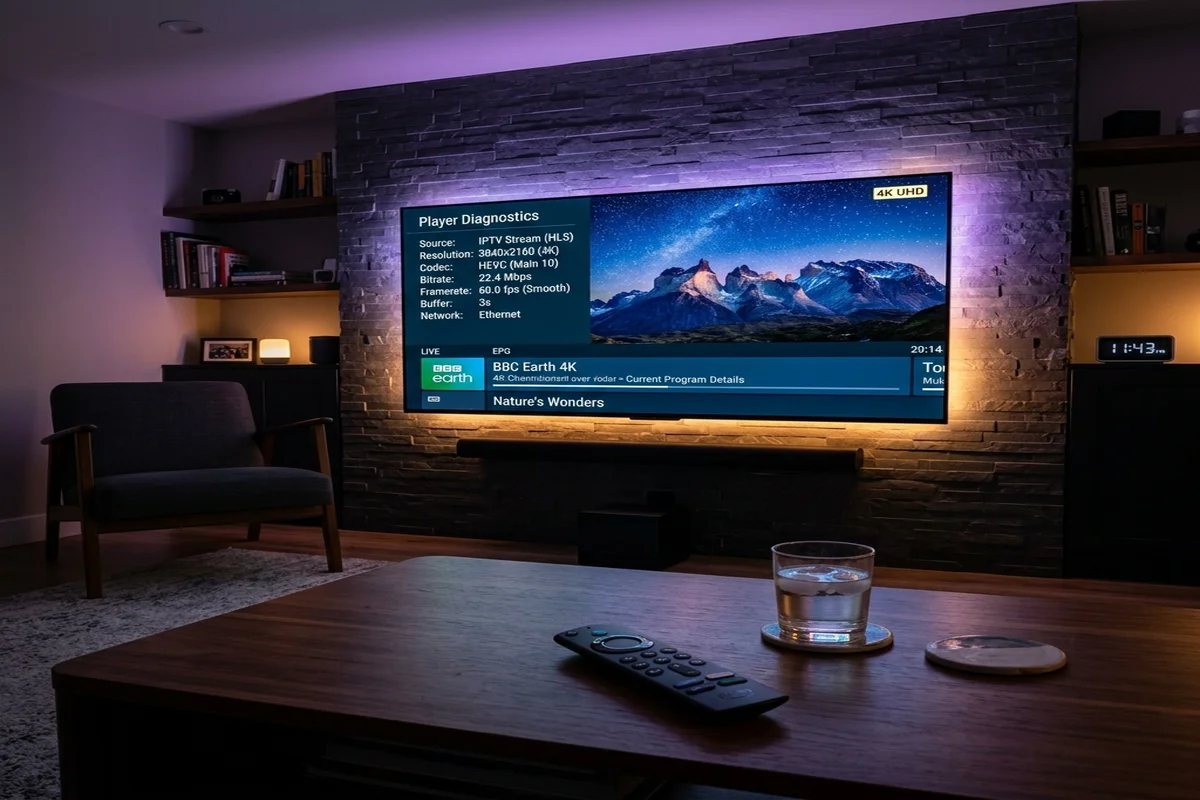
Key Takeaways: Resolving TiviMate Error 458
- ✔ What Error 458 Means: Error 458 is a non-standard HTTP response code generated when a streaming server or CDN firewall refuses the connection from TiviMate's default client headers.
-
✔
The Fastest Fix (User-Agent): In 80% of cases, navigating to Settings > General > User-Agent and entering
VLC/3.0.18instantly resolves the handshake block. - ✔ Concurrent Stream Caps: If your account plan only allows 1 connection and another TV or mobile device is active, the server drops your feed with Error 458 or 401.
- ✔ Permanent Server Reliability: If low-tier reseller servers are collapsing during peak hours, switching to Tivimate Prime ($49.99/yr or $399 Lifetime VIP) provides dedicated 10Gbps priority infrastructure with zero handshake errors.
What Is TiviMate Error Code 458? (Root Cause Analysis)
TiviMate is widely recognized as the most refined, responsive media player on Android TV and Firestick. Because TiviMate relies on Google's native ExoPlayer framework to parse HLS (.m3u8) and MPEG-TS video transport streams, any interruption in the network handshake is logged as an HttpDataSourceException.
While standard HTTP status codes range from 200 (Success) to 404 (Not Found) and 500 (Server Error), Response Code 458 is a custom status code utilized by media streaming reverse proxies (such as Nginx, Cloudflare, or proprietary Xtream API backends).
When you see Error 458, the server is actively communicating with TiviMate, but it has rejected the stream delivery due to one of three technical triggers:
- User-Agent Header Blacklist: Many server security systems block requests originating with generic or empty User-Agent headers to protect against automated scrapers.
- Connection Limit Exceeded: If your subscription credentials are tied to a single active stream and a second device initiates playback, the server terminates the older stream with Error 458.
- DNS / ISP Throttling: Some Internet Service Providers intercept and drop direct HTTP video traffic, corrupting the return packet before TiviMate's video buffer can initialize.
TiviMate Error Code Cheat Sheet (2026 Reference)
Here is how to decode and fix the most common TiviMate playback error codes:
| Error Code | Underlying Cause | Fastest Fix | Permanent Solution |
|---|---|---|---|
| Error 458 | Server firewall rejected User-Agent header | Change User-Agent to VLC/3.0.18 |
Dedicated multi-connection server |
| Error 401 | Unauthorized credentials or expired plan | Verify Username & Password in Xtream Codes | Renew with verified provider |
| Error 403 | Forbidden access / IP address blacklisted | Toggle router power & change DNS to 1.1.1.1 | Encrypted Port 443 TLS server |
| Error 404 | Channel stream link moved or taken offline | Update Playlist in TiviMate Settings | Automatic EPG & channel sync |
| Error 500 | Provider server crashed or overloaded | Wait 10 minutes or check backup server | 10Gbps load-balanced cluster |
TiviMate Stream Handshake Architecture & Error Resolution
Understanding how TiviMate communicates with stream hosts makes troubleshooting simple:
TiviMate Connection Handshake Diagnostic Flow
How changing headers and server routing restores instant playback.
4 Proven Steps to Fix Error 458 on Firestick & Android TV
Follow these sequential steps on your device to restore flawless streaming immediately:
Change User-Agent in TiviMate Settings
Open TiviMate → go to Settings → General → User-Agent. Delete any existing text and type VLC/3.0.18 or IPTVSmartersPro. Click OK, exit back to your channel guide, and test the stream.
Clear TiviMate App Cache
From your Firestick or Android TV home screen, go to Settings → Applications → Manage Installed Applications → TiviMate → select Clear Cache. (Do not click Clear Data, as that erases saved playlists.)
Change Device DNS to 1.1.1.1
ISP default DNS servers frequently drop media stream IPs. In your Firestick Network Settings, configure your Wi-Fi or Ethernet connection with static DNS: Primary 1.1.1.1 (Cloudflare) and Secondary 8.8.8.8 (Google).
Upgrade to Dedicated Server Infrastructure
If the steps above do not clear the error, your current service provider's server has either suspended your credentials or crashed under overloaded traffic. Switching to Tivimate Prime connects you to enterprise 10Gbps dedicated nodes with 99.9% uptime.
Tired of Stream Freezes, Error 458 & Black Screens?
Upgrade your Firestick to enterprise-grade stability. Tivimate Prime delivers 20,000+ live 4K channels and VOD on dedicated, unthrottled 10Gbps anti-freeze servers with 24/7 technical concierge.
Instant WhatsApp activation in under 2 minutes • 100% money-back guarantee • Compatible with Firestick, Android TV, Smart TV & Apple devices
Frequently Asked Questions About TiviMate Errors
What causes TiviMate Error Code 458?
Error 458 is triggered when the host streaming server or security firewall rejects TiviMate's default HTTP request. This typically happens when the provider server blocks generic user-agents or when simultaneous device limits are exceeded.
How do I change the User-Agent in TiviMate?
Open TiviMate, go to Settings > General > User-Agent, and input VLC/3.0.18 or IPTVSmartersPro. This disguises your connection as a standard media player and bypasses firewall blocks.
Will using a VPN fix Error 458?
If Error 458 is caused by your local ISP blocking specific streaming ports, a premium VPN can help. However, if the error is caused by your provider server rejecting the user-agent or exceeding connection limits, a VPN will not resolve it.
Why does Tivimate Prime prevent playback errors?
Tivimate Prime utilizes multi-cluster 10Gbps dedicated nodes that accept all standard player handshakes without artificial blocks, ensuring uninterrupted 4K 60FPS streaming 24 hours a day.
The Bottom Line: Restore Buffer-Free Streaming
Encountering Error 458 or HttpDataSourceException does not mean your Firestick or TiviMate player is broken. In most cases, adjusting your User-Agent header or flushing your cache resolves the block in seconds.
If your current provider continues to experience recurrent error codes, upgrading to a premium dedicated server from Tivimate Prime gives you the speed, stability, and peace of mind you deserve.