The Amazon Fire TV Stick and Smart TV screens (specifically Samsung and LG models) are the most popular home entertainment systems for streaming digital content. When setting up a premium IPTV service, these devices require slightly different installation workflows. While **downloading tivimate on firestick** requires a sideloading tool because it is not hosted in the Amazon Appstore, streaming **iptv on smart tv** displays requires downloading alternative compatible players directly from native app stores.
In this comprehensive guide, the support engineers at **TivimatePrime** will walk you through the complete setup for both setups. We will explain how to configure Downloader, install TiviMate on Fire OS, and review the best ways to get stable stream playback on your Smart TV.
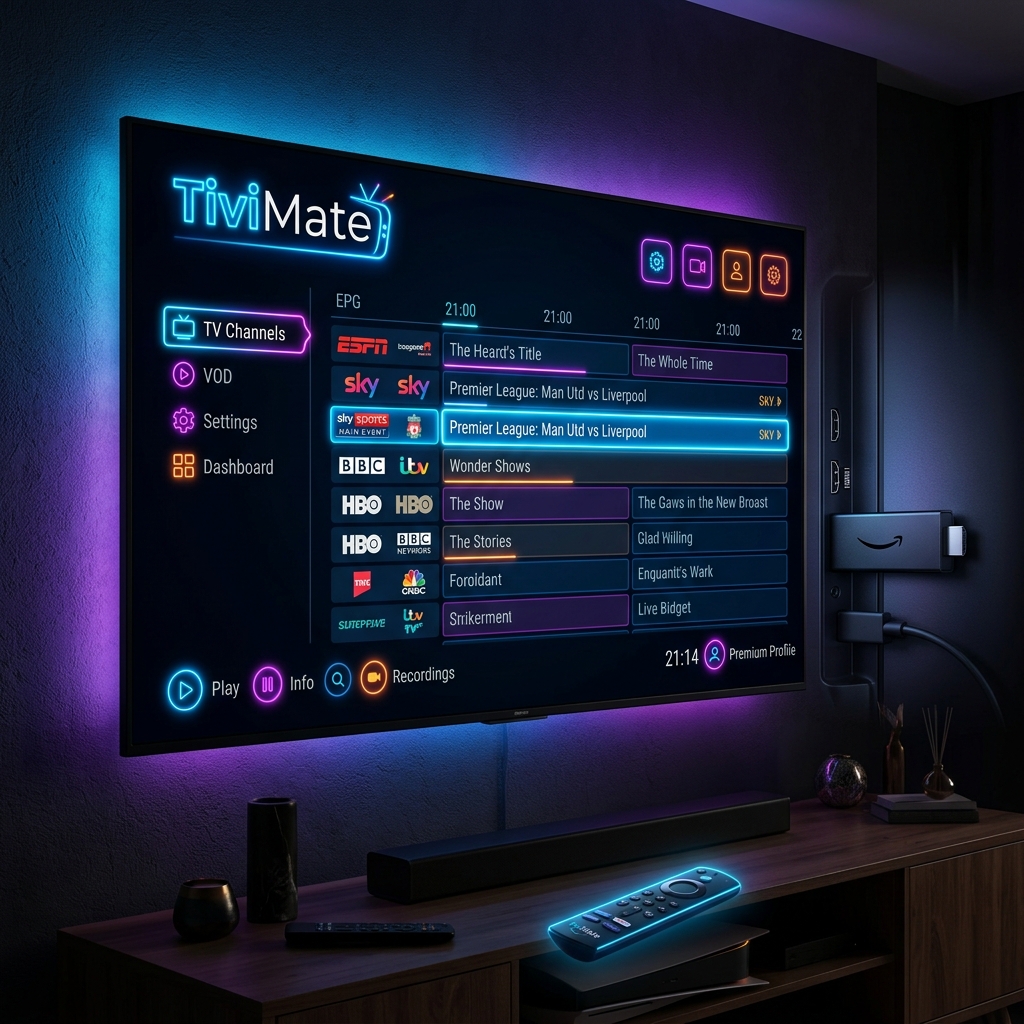
Part 1: Downloading TiviMate on Firestick
Amazon's Firestick runs on Fire OS, which is a modified version of Android. Because Amazon blocks the official TiviMate app on their store to promote their native services, you must sideload the APK file using the Downloader application. Follow these instructions:
Step 1: Install the Downloader App
Go to the Firestick home screen, click the search bar, type "Downloader", and click the orange icon to install it.
Step 2: Enable Developer Options
Fire OS blocks third-party installations by default. To unlock developer access:
- Go to Settings > My Fire TV > About.
- Click your primary Fire TV Stick name 7 times in a row until a banner at the bottom says: "No need, you are already a developer."
- Go back to My Fire TV, and click the newly unlocked Developer Options menu.
- Select Install Unknown Apps, and toggle Downloader to ALLOW.
Step 3: Download the TiviMate APK File
Open the Downloader application. In the URL address box, enter the official TiviMate release link or shortcode provided by our support team on WhatsApp. Click Go to begin **downloading tivimate on firestick** storage. Once downloaded, select Install, then click Done.
Part 2: Configuring IPTV on Smart TV (Samsung & LG)
If you own a Samsung Smart TV running Tizen OS or an LG TV running webOS, the TiviMate player is not available in their stores. TiviMate is built strictly for Android-based systems. However, you can configure your playlist directly on your TV using native player applications that support M3U and Xtream Codes API.
Best Smart TV Player Alternatives
Search for these apps in your Samsung App Store or LG Content Store to stream **iptv on smart tv** portals:
- IPTV Smarters Pro: The most robust and popular free option. It features a modern interface, auto-updates EPG guides, and supports Xtream Codes API connections.
- Smart IPTV (SIPTV): A classic, lightweight player. You upload your playlist M3U files via their website using your TV's physical MAC address. Note that this app requires a small one-time activation fee.
- NetIPTV / Nanomid Player: Reliable alternatives if the primary apps are blocked in your regional store. They support custom M3U configurations.
How to Connect Your Playlist Details
To setup your connection details on your Smart TV:
- Download and install IPTV Smarters Pro from your TV's app store.
- Open the app and select Login with Xtream Codes API (which is faster and more stable than manual M3U link inputting).
- Input a profile nickname (e.g.
Tivimate Prime). - Enter the Server URL, Username, and Password credentials sent to you by our customer support representative on WhatsApp.
- Select Add User. The player will download your streams libraries and sync EPG guide updates. Enjoy streaming!
Important Optimizations for Firestick & Smart TVs
To prevent buffering issues during live streams, configure these settings:
- Cache Management: Regularly clean your device's cache. On Firestick, go to Settings > Applications > Manage Installed Applications > TiviMate > click Clear Cache.
- Wired Connection: Smart TV Wi-Fi receivers are often small and prone to interference. Connect your TV directly to your internet router using an Ethernet cable for stable, uninterrupted data delivery.
Pairing your Firestick or Smart TV setup with TivimatePrime ensures access to stable, high-bandwidth streams. Connect with our support desk on WhatsApp today to get activated!
Ready to Upgrade Your Streaming Experience?
Get instant access to 20,000+ live channels, 80,000+ movies & TV shows, and 100% stable, buffer-free servers. Works perfectly with TiviMate and all major player apps.